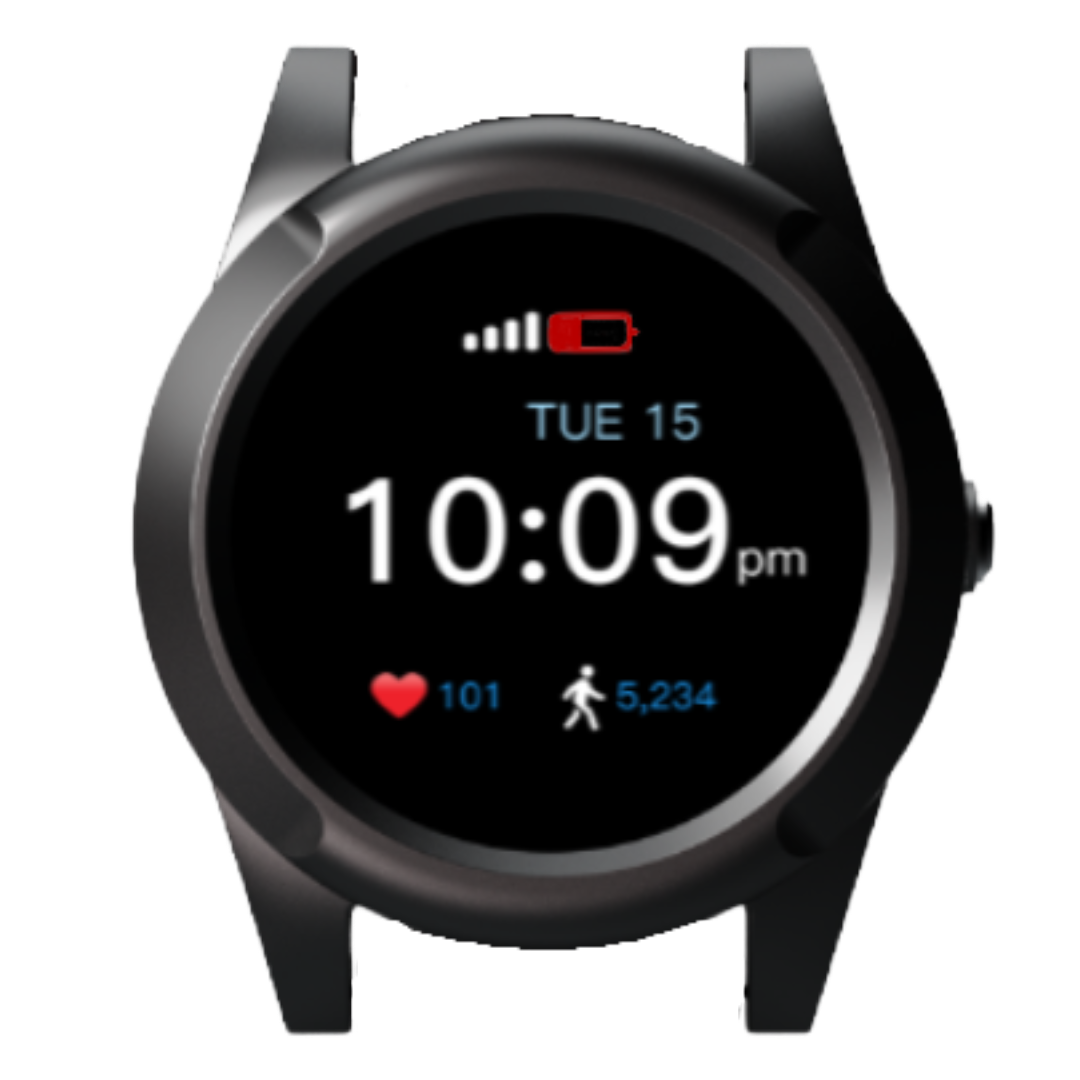


A simple, step-by-step walkthrough to get your ArmGuard device set up, charged, and ready — plus answers to common questions.
Use the arrows, or simply swipe left and right.
Your ArmGuard device is here to help you call for assistance when you need it. Press the SOS button, and it can connect you to a live monitoring specialist.
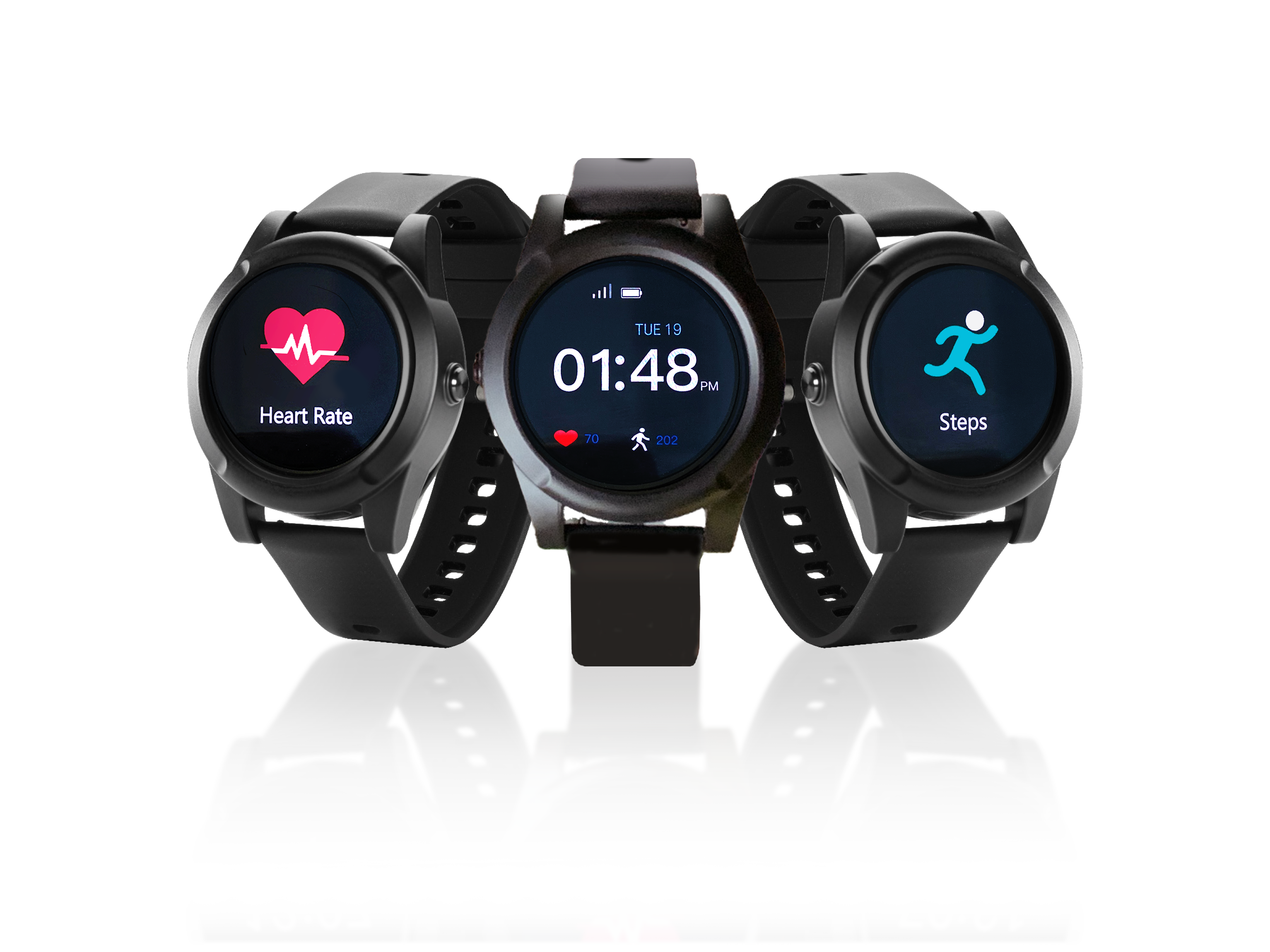
Inside your ArmGuard package, you should find:
Before using your device, please charge it fully.
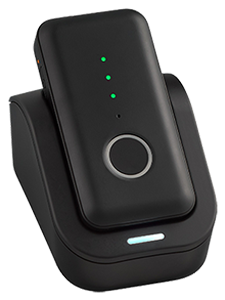
Press and hold the Home Button until your device turns on.
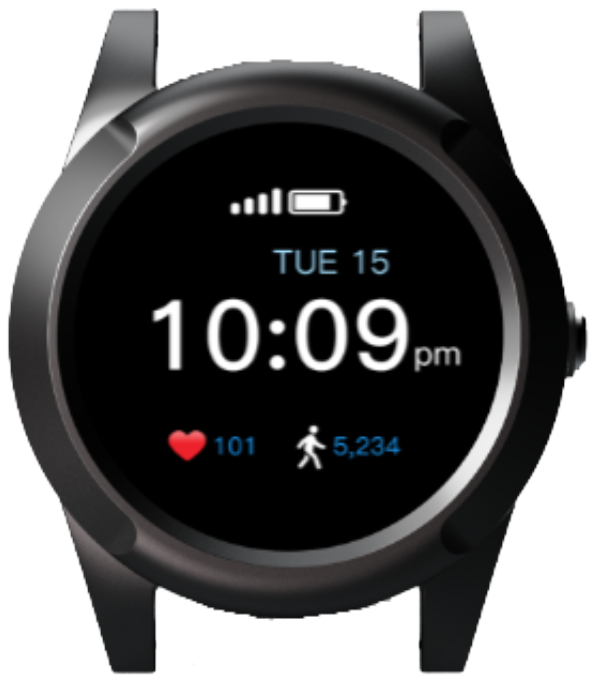
Ready
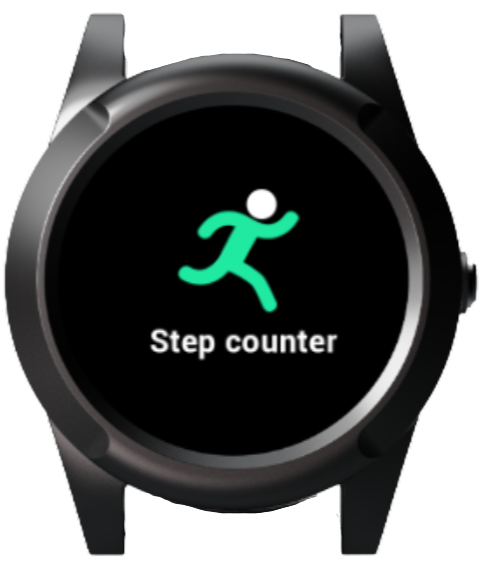
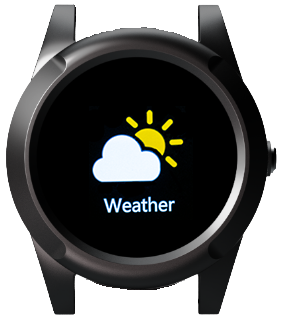
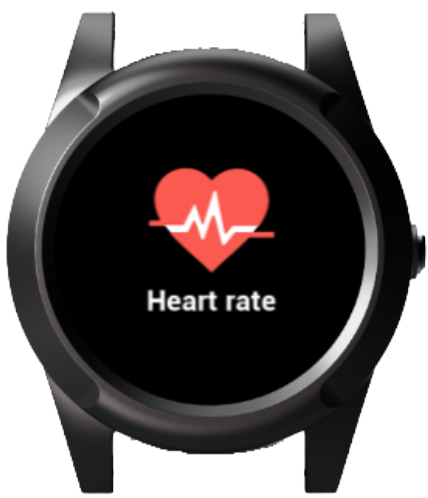
Your device has a few simple screens, including Home, Heart Rate, Steps, and Weather.
Home
Heart Rate
Steps
Weather
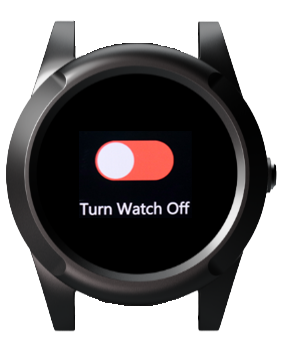
Power OffPlease make sure your ArmGuard account has been fully set up.

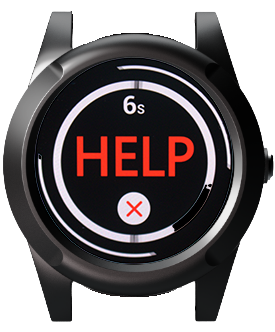
Accidents happen. If you press the SOS button by mistake, you can cancel the alert before the countdown ends.

When you press the SOS button:
Your emergency contacts may receive alerts by:
Text Find [Wearer’s First Name] to 855-999-3224.
Approved contacts can request the wearer’s location by sending a simple text message.
A charged device is important.
Low Battery
Yes — your ArmGuard device is water-resistant. You may wear it while washing your hands or showering.
Your device may show heart rate information. This is for general information only.

If you need help with your device, setup, charging, emergency contacts, or testing, please contact us.
ArmGuard is here to help you feel safer and more connected.
Browse by topic, or use the Easy Start Guide above for step-by-step help.
Request a call from our team — we’ll walk you through it.
A member of our team will reach out shortly. Thank you for trusting ArmGuard.